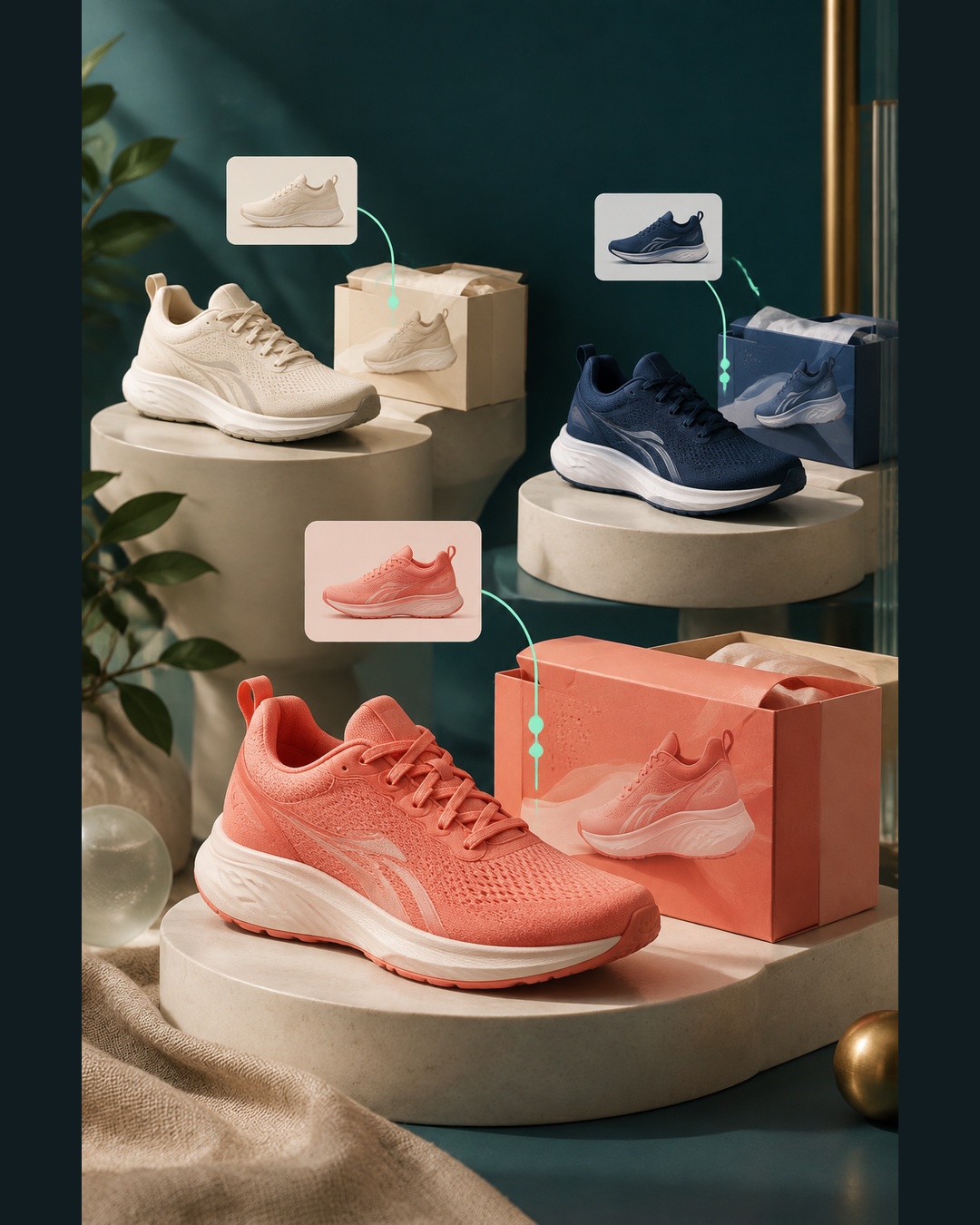
A catalog can contain thousands of products and still have an unresolved data problem. Before expanding a TikTok advertising catalog, choose one variant and trace it from the source record to the landing page and checkout.
Why start with one variant?
A parent product can hide problems that affect only one size, color, or pack configuration. The variant may have a different SKU, image, price, availability state, or landing-page URL. Testing the parent alone can therefore create false confidence.
A single-variant audit gives you a controlled test. You can identify whether the issue begins in the store, in a connector transformation, in the TikTok catalog, or on the destination page. Expansion should follow that evidence. It should not be the method used to discover basic field-mapping errors.
Start with the source record
Choose a real variant that is intended for the campaign you are planning. Record its source SKU, title, description, inventory state, price, brand, condition, image URL, and landing-page URL. The SKU identifier should be stable. If an update creates a new identifier for the same variant without a deliberate product change, later updates can become difficult to reconcile.
For variant families, record the parent relationship as well. TikTok lists item_group_id as an optional field for grouping variants. The group should connect related variants while each variant retains its own stable sku_id.
Check TikTok's required fields
TikTok's product parameters documentation lists these required parameters for catalog items: sku_id, title, description, availability, condition, price, link, image_link, and brand. Review the values that actually arrived in the catalog, not only the values stored in your ecommerce platform.
Availability deserves special attention. TikTok examples use values such as in stock and out of stock, with spaces. Google has its own accepted values and product-data rules. Similar field names do not mean that values can be copied unchanged between destinations.
Keep promotional language out of the title. A title should identify the product and its relevant variant details. Sale language, urgency claims, or temporary campaign text belongs in the appropriate promotional or campaign workflow, not in the core product title.
Use TikTok's official reference when checking the destination schema: TikTok catalog product parameters.
Trace the link and image
Open the image_link directly in a browser or test environment. Confirm that the resource is accessible and represents the same variant. A catalog preview can look acceptable while the underlying URL returns an error, requires an unavailable session, or points to the wrong color.
Open the link as well. The page should identify the same variant that appeared in the catalog. Check the selected size or color, the displayed price, the availability message, and the ability to continue toward checkout. Do not assume that a working parent URL proves that every variant URL works.
Then compare the catalog values with the landing page and checkout. Price and stock should agree across those steps. This comparison is a data-quality check. It is not a guarantee of approval, delivery, Featured Offer status, or improved return.
Use a small audit record
| Checkpoint | Source value | Observed result |
|---|---|---|
| Identity | Stable SKU and variant | Catalog ID matches source |
| Core data | Title, price, stock, brand | Values and formats are valid |
| Destination | Image and product URLs | Both open and match variant |
| Purchase path | Landing page and checkout | Price and availability agree |
Save the source value, catalog value, landing-page value, and any diagnostic message. This makes the test repeatable when another team member reviews it or when the connector changes its mapping.
Inspect the connector before buying another tool
An installed Shopify or ecommerce connector may support product selection, title and description adjustments, or error diagnostics. Those capabilities vary by destination and account. Review the connector's actual settings and output before concluding that a paid feed-management product is required.
Also separate connector problems from account or policy problems. A correctly mapped item can still face a platform review or account issue. Data validation cannot guarantee approval or higher return. If the platform identifies a policy or account restriction, address that issue separately.
Compare the audit with other destinations
Google also expects accurate price and availability data that matches the landing page and checkout. Genuine identifiers, variant data, and product images matter there too. Its product data specification should be used for Google-specific values and requirements.
Amazon is a different workflow again. The Listings Items API accepts schema-based attributes from Product Type Definitions. Product type and marketplace determine required and conditional fields, enums, and data types. An initial synchronous validation can accept a submission, while later asynchronous processing reports issues. Acceptance of a submission does not mean that the content is displayed, the item is buyable, the offer is the Featured Offer, or the listing is eligible. See Amazon's Listings Items API troubleshooting guidance.
A hypothetical single-variant test
Suppose a store has a navy medium shirt with source SKU SHIRT-NVY-M. The team records that SKU, checks its source price and stock, and sends it to TikTok. The catalog shows the same stable ID, but its availability is formatted with a Google-style value. The image URL also opens to the navy large variant.
The team should pause expansion. It can correct the availability mapping, repair the image relationship, and repeat the landing-page and checkout comparison. Only when the observed values match the intended variant should it test another size or color from the same family.
Expansion checklist
- Choose one representative variant.
- Record the source values.
- Confirm stable SKU identity.
- Validate TikTok field formats.
- Open image and product links.
- Compare landing page and checkout.
- Review connector diagnostics.
- Test a second variant.
- Expand only after repeatable results.
Frequently asked questions
Can I copy a Google feed directly into TikTok?
Use the same source product data where appropriate, but transform it for TikTok's required fields and accepted values. In particular, do not assume that availability values, titles, identifiers, or variant relationships can be transferred unchanged.
What should I compare after a product reaches TikTok?
Compare the stable SKU identity, title, price, availability, brand, condition, image, and product link. Open the landing page and compare the selected variant, price, stock message, and checkout details. Record any difference before expanding the catalog.
Does a successful validation guarantee catalog approval?
No. Validation can identify data and formatting problems, but it cannot guarantee approval, ad delivery, eligibility, buyability, Featured Offer status, or improved return. Platform policy and account issues may require a separate remedy.
The practical sequence is simple: select one variant, inspect every handoff, correct the first failure, and repeat the test. A catalog is ready to expand when that process is clear and reproducible, not merely when a submission has been accepted.