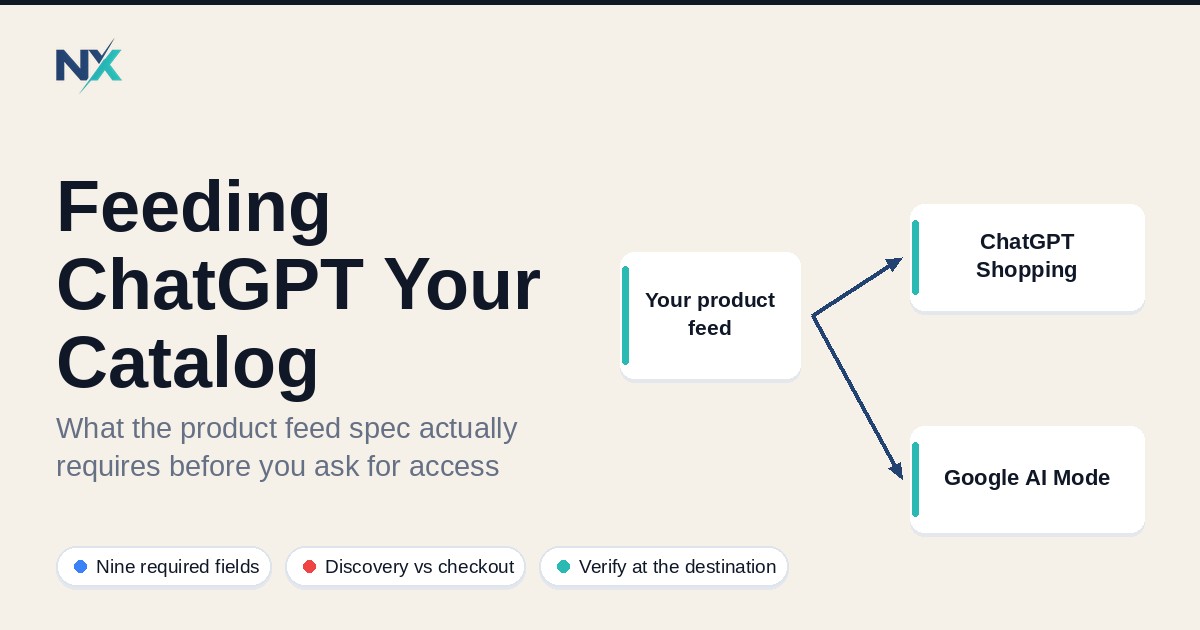
Feeding ChatGPT Your Catalog: What the Feed Spec Actually Requires
M
Muhammad Norafif
Oct 5, 202611 min read
TL;DR
ChatGPT shopping is fed by a product feed, not a site crawl. You submit rows; OpenAI indexes them. The discovery feed has nine required fields per row. They are listed in the spec and must contain real values. Access is application-based — feeds are currently for approved partners. You can prepare fully before applying. OpenAI also accepts a Google-compatible profile using id, title, link, image_link, availability, price, brand. One format applies per upload, not per row. The differences that bite are small and specific: preorder not pre_order, unknown is not accepted in the Google profile, and title/description limits are tighter. Submitting a feed is not the same as being displayed. Indexing, eligibility, and display are separate states, and only the destination can tell you which you are in.
In this insight:
ChatGPT shopping is fed by a product feed, not a site crawl. You submit rows; OpenAI indexes them.
The discovery feed has nine required fields per row. They are listed in the spec and must contain real values.
Access is application-based — feeds are currently for approved partners. You can prepare fully before applying.
OpenAI also accepts a Google-compatible profile using id, title, link, image_link, availability, price, brand. One format applies per upload, not per row.
The differences that bite are small and specific: preorder not pre_order, unknown is not accepted in the Google profile, and title/description limits are tighter.
Submitting a feed is not the same as being displayed. Indexing, eligibility, and display are separate states, and only the destination can tell you which you are in.
Every few years a new shopping surface appears and the advice arrives before the specification does. ChatGPT shopping is in that phase right now. The difference is that this time we have the actual spec, published and versioned, and it says something unusually specific: ChatGPT reads a product feed.
That matters for you because it means the work is familiar. It is not a new integration, a new dashboard, or a new data model. It is a feed — rows of product data with required fields — and the requirements are close enough to Google's that a clean Google feed is a genuine head start, not a rewrite.
This article walks through what the spec actually requires, where it diverges from Google's, and what you can verify yourself before you apply for access. It does not cover how to get approved, because nobody can promise that.
## TL;DR
- ChatGPT shopping is fed by a **product feed**, not a site crawl. You submit rows; OpenAI indexes them.
- The discovery feed has **nine required fields** per row. They are listed in the spec and must contain real values.
- Access is **application-based** — feeds are currently for approved partners. You can prepare fully before applying.
- OpenAI also accepts a **Google-compatible profile** using `id`, `title`, `link`, `image_link`, `availability`, `price`, `brand`. One format applies per upload, not per row.
- The differences that bite are small and specific: `preorder` not `pre_order`, `unknown` is not accepted in the Google profile, and title/description limits are tighter.
- **Submitting a feed is not the same as being displayed.** Indexing, eligibility, and display are separate states, and only the destination can tell you which you are in.
## What ChatGPT shopping actually is
It helps to separate three things that get blurred together in most coverage.
**Discovery.** ChatGPT uses your product data to understand your catalog and present accurate product information in shopping experiences. This is the part a feed unlocks.
**Ads.** OpenAI runs product feed campaigns where retail advertisers upload a catalog and create ads from it. This is a separate path with its own guide and its own eligibility settings.
**Checkout.** Purchasing inside ChatGPT runs on the Agentic Commerce Protocol, an open standard OpenAI built with Stripe. Checkout requires a **separately enabled integration** — having a feed does not grant it.
Most merchants asking "how do I get into ChatGPT" are asking about discovery, but the answer they need depends on which of the three they mean. A feed is the entry point to all of them, and it is the only part you can prepare unilaterally.
## The nine required fields
The spec is explicit that a discovery feed starts with the basic product data. These fields are required per row, and the values are not decorative — a row missing a required value is not useful, and unrecognised values can reject it.
| Field | What it holds | Notes worth knowing |
|---|---|---|
| `item_id` | Stable ID, unique per item or variant | Never reuse it for a different item |
| `title` | Product name, including the variant where relevant | Aim for 150 characters or fewer |
| `description` | Factual product description, plain text | Aim for 5,000 characters or fewer |
| `url` | Product detail page, variant selected where possible | Keep it stable |
| `brand` | Brand as shown on the product page | Real brand, not a placeholder |
| `seller_name` | Seller supplying this offer | Required on every row in this format |
| `image_url` | Main image for this variant | Direct image URL, publicly accessible |
| `availability` | Stock state | A controlled vocabulary — see below |
| `price` | Regular price in major currency units | Format is `79.99 USD` |
Two conventions in the spec are worth reading twice, because they cause silent failures:
**Omitted is not zero and not false.** For optional fields, an omitted value, a JSON `null`, and an empty cell all mean "no value supplied". An empty value does not mean zero or `false`. And you should not use placeholder strings — `null`, `unknown`, `n/a` — as filler. `unknown` is valid only where the spec explicitly lists it.
**Identifiers stay strings.** If your SKUs have leading zeros, keep them as strings so the zeros survive.
## Where the Google-compatible profile diverges
This is the part that makes the topic practical. The spec states that OpenAI checks its own format first, then falls back to a Google-compatible compatibility profile, using samples from each non-empty file. If your existing feed already matches that profile, you are closer than you think.
The compatible profile requires nonempty `id`, `title`, `description`, `link`, `image_link`, `availability`, `price`, and `brand` on every row — that is eight columns, mapping onto the same meanings as the OpenAI-format fields.
But the differences are exactly where a copied Google feed breaks:
- **`availability` values are constrained.** The compatible profile accepts `in_stock`, `out_of_stock`, `preorder`, and `backorder`. Note `preorder`, not the OpenAI-format spelling `pre_order`. And `unknown` is **not accepted** here, even though it is a valid explicit value in the OpenAI format.
- **Titles and descriptions are capped more tightly.** 150 characters for title, 5,000 for description, plain text.
- **`link` and `image_link` must be HTTP or HTTPS URLs** without an embedded username or password.
- **One format applies to the whole upload**, not to individual rows. Filename extensions alone do not select Google-compatible behaviour — a file accepted under the OpenAI format keeps OpenAI field semantics.
- **Column naming**: lowercase, underscore-separated. No `g:`-prefixed XML names.
That last point about whole-upload format selection is the kind of detail that is easy to miss and expensive to debug. If you are blending rows from different sources, the upload is validated as one format, not per row.
## Availability is a controlled vocabulary, and it is not forgiving
The OpenAI format defines `availability` as `in_stock`, `out_of_stock`, `pre_order`, `backorder`, or `unknown`. The spec is blunt about the consequence: omitted, empty, or unrecognised values **reject the row**.
The compatibility profile tightens this further — four accepted values, and `unknown` is not one of them.
So a feed that has been quietly working somewhere else may not work here. If your export writes an empty string for stock status because "the field is optional in our system", that is a rejected row, not an unknown status. The fix is to map your source values onto the controlled list explicitly, and to decide deliberately what you send when stock state is genuinely unavailable. In the OpenAI format you send `unknown` explicitly. In the Google-compatible profile, you have to resolve it to one of the four.
This is the same discipline that catches merchants on every channel: the platform's vocabulary is not your system's vocabulary, and the mapping is work you own.
## What you can verify before you apply
Feed onboarding is currently available to approved partners, so a sensible sequence is to prepare and verify first, then apply. Everything below is checkable without access.
**Validate every required field on every row.** Not a sample. The spec says to validate required fields for every record before uploading.
**Check the URLs are actually public.** Product and image URLs must be publicly accessible, over HTTP or HTTPS, ideally HTTPS. A URL that resolves for you behind a session is not public.
**Confirm your images are direct image URLs.** A JPEG or PNG address, not a page that happens to contain an image.
**Reconcile your availability vocabulary against the controlled list.** Map your source values and decide your fallback deliberately.
**Check the lengths.** Titles at or under 150 characters, descriptions at or under 5,000, in plain text.
**Decide which format you are sending and be consistent.** Mixed rows will be judged as one format.
**Keep identifiers stable.** If `item_id` changes when the price changes, the destination cannot tell an update from a new product.
## Indexing is not display, and access is not approval
Here is the boundary worth stating plainly, because it is where expectations usually outrun the evidence.
Submitting a feed makes your catalog understandable to the destination. It does not guarantee that any given product appears, ranks, or converts. The spec itself says it: format guidance is not a guarantee that every invalid value will be rejected at upload, and conversely, a clean upload is not a promise of display. The OpenAI-format eligibility flag documents this directly — setting search eligibility to true "does not guarantee display".
There is also a policy layer that sits above the format. OpenAI maintains a prohibited products policy covering adult content, age-restricted goods, and other restricted categories, and it states that merchants are responsible for their products complying. A perfectly formatted row for a prohibited product is still a prohibited product.
Treat three states as separate, because they are:
1. **Submitted** — the upload was accepted as a transport fact.
2. **Eligible** — the product is permitted and configured to be considered.
3. **Displayed** — the destination actually surfaced it.
You can only verify the third at the destination. That is not a limitation of this article; it is a limitation of how every shopping surface works, and pretending otherwise is how operators end up debugging the wrong layer.
## If you already run a Google feed
You are not starting from zero, and you should not rebuild from zero.
The reuse you get is real: the compatible profile is designed so a Google-shaped feed can be accepted, and the eight required columns map onto fields you almost certainly already populate. What you should not do is assume the two are interchangeable. The deltas above — `preorder` spelling, `unknown` handling, the tighter length caps, the whole-upload format selection, and the absence of `g:` XML names — are exactly the class of difference that produces a feed that validates in one place and fails in another.
The practical move is a parallel output. Keep your existing channel feeds intact, add a ChatGPT-shaped output from the same source data, and validate it as its own artifact. That way a change you make for one destination cannot silently break another, and you can point at exactly what you sent if something is not showing.
That is the same pattern the rest of your feed operation should be following anyway: one source of truth, one output per destination, and a record of which output went where.
## FAQ
**Do I need a developer to do this?**
Not for the feed itself. The discovery feed is a structured file or API submission. You need engineering time only if you want the API path, or if your source data isn't already structured enough to export with these fields.
**Can I just point ChatGPT at my existing Google Merchant Center feed?**
The spec supports a Google-compatible profile, so a clean Google feed is a legitimate starting shape. But the format is validated per upload, and several values differ. Prepare a separate output rather than assuming your Google feed transfers unchanged.
**Is `unknown` a safe value for availability?**
Only in the OpenAI format, where it is an explicitly listed value. The Google-compatible profile does not accept it. Omitting the field or leaving it empty rejects the row in the OpenAI format — so "blank" is never the safe option.
**Does having a feed get me into Instant Checkout?**
No. Checkout requires a separately enabled integration. A discovery feed is the prerequisite you can prepare on your own, not the whole path.
**How do I know if my products are showing?**
Check at the destination. A feed being accepted tells you the transport worked. Eligibility and display are separate states and are only observable downstream.
**Should I wait until it's out of "approved partners only" before preparing?**
No. The specification is published, the required fields are known, and everything worth doing — validating fields, fixing URLs, reconciling availability values, lengthening or trimming copy — is useful work that improves every other channel too.
## Keywords
ChatGPT shopping product feed, OpenAI product feed spec, agentic commerce protocol, product feed required fields, Google-compatible product feed, ChatGPT catalog feed, Instant Checkout, product feed management
## Editorial note
Written by the NextFeed team. NextFeed builds product feed management software for Shopify, Google Shopping, Meta, and other commerce channels. This article describes the published product feed specification as documented by OpenAI and Google. It does not guarantee indexing, eligibility, approval, or display on any surface — those outcomes depend on destination rules, account conditions, and factors outside a feed's control. Verify requirements against the current official documentation for the destination you operate.
Free tool
Not sure if your feed has errors?
Run your Google Shopping, Meta, or TikTok product feed through our free validator and get a prioritized error report before channels reject your products.
This article was published on October 5, 2026 and last updated on October 5, 2026. NextFeed builds product feed management software for Shopify, Google Shopping, Meta, and other commerce channels.